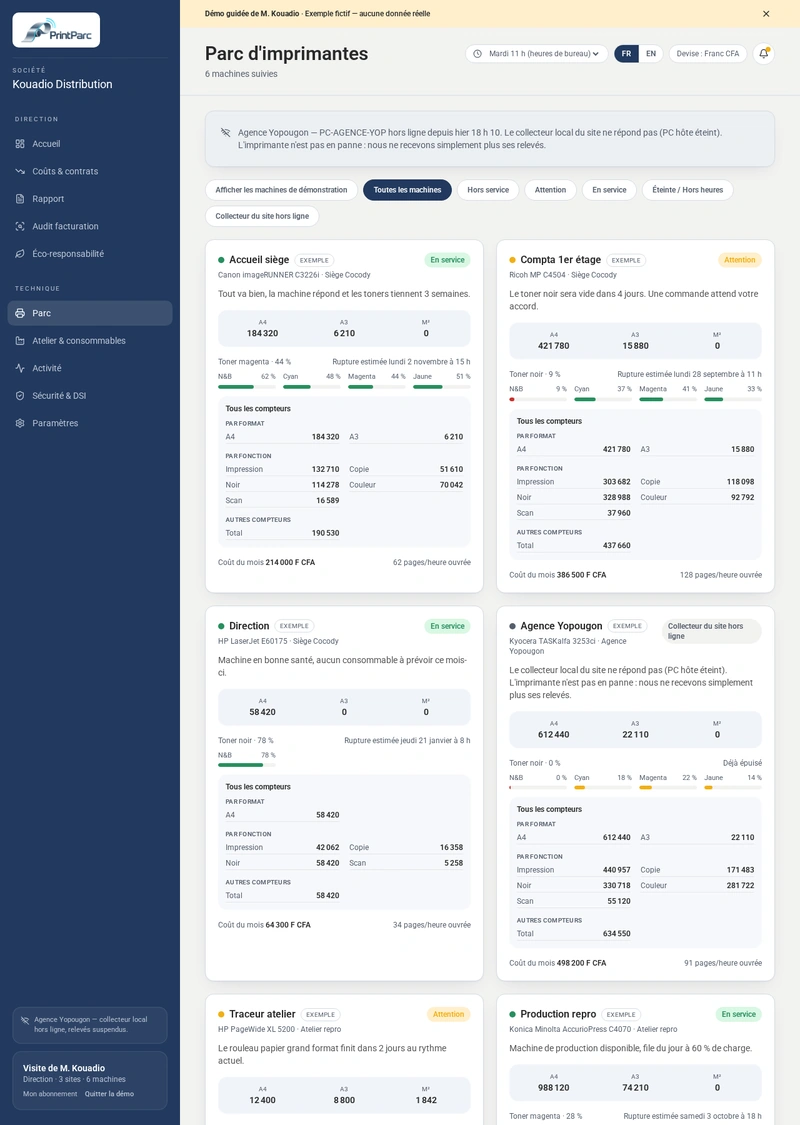
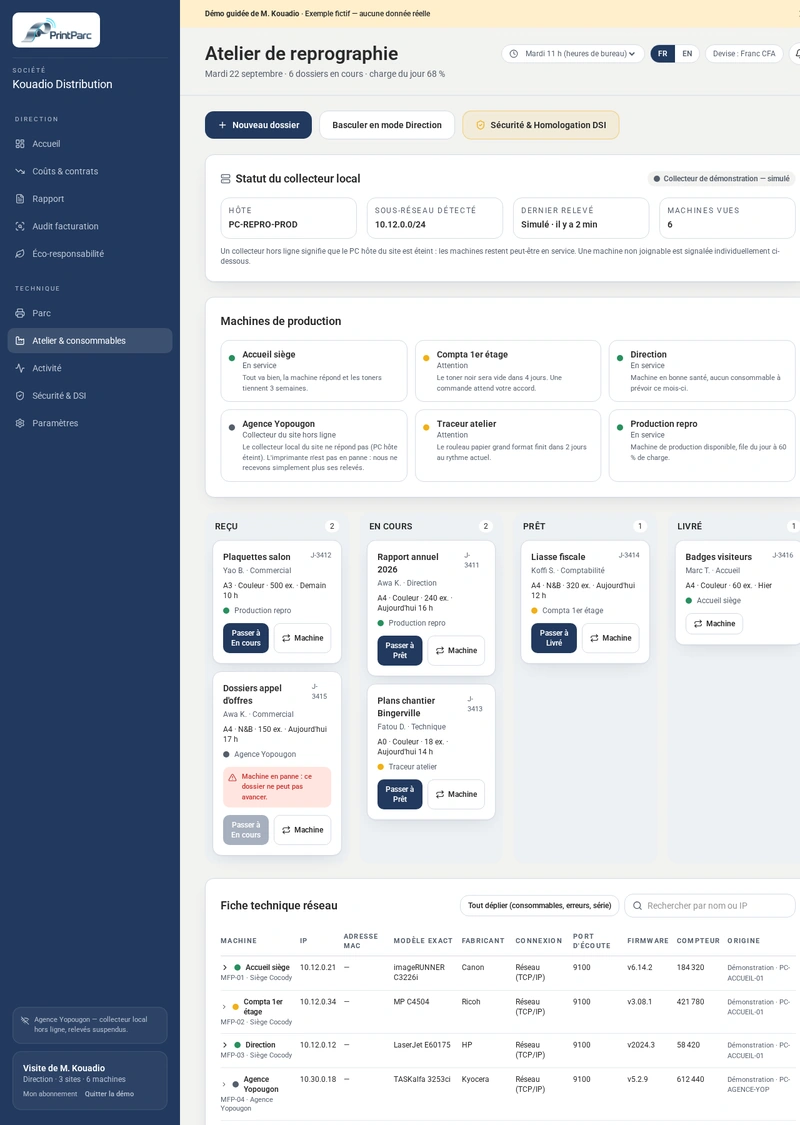
PrintParc makes an automatic network reading of network printers that support the standard protocols, and also reads the web page of some models. If a printer does not answer, or only gives part of its counters, PrintParc shows it on the printer's page.
PC / MacInstall app
iPhone / iPadSafari › Share
AndroidChrome › Install
Session retainedUntil sign-out
1. Sign-in and app installation
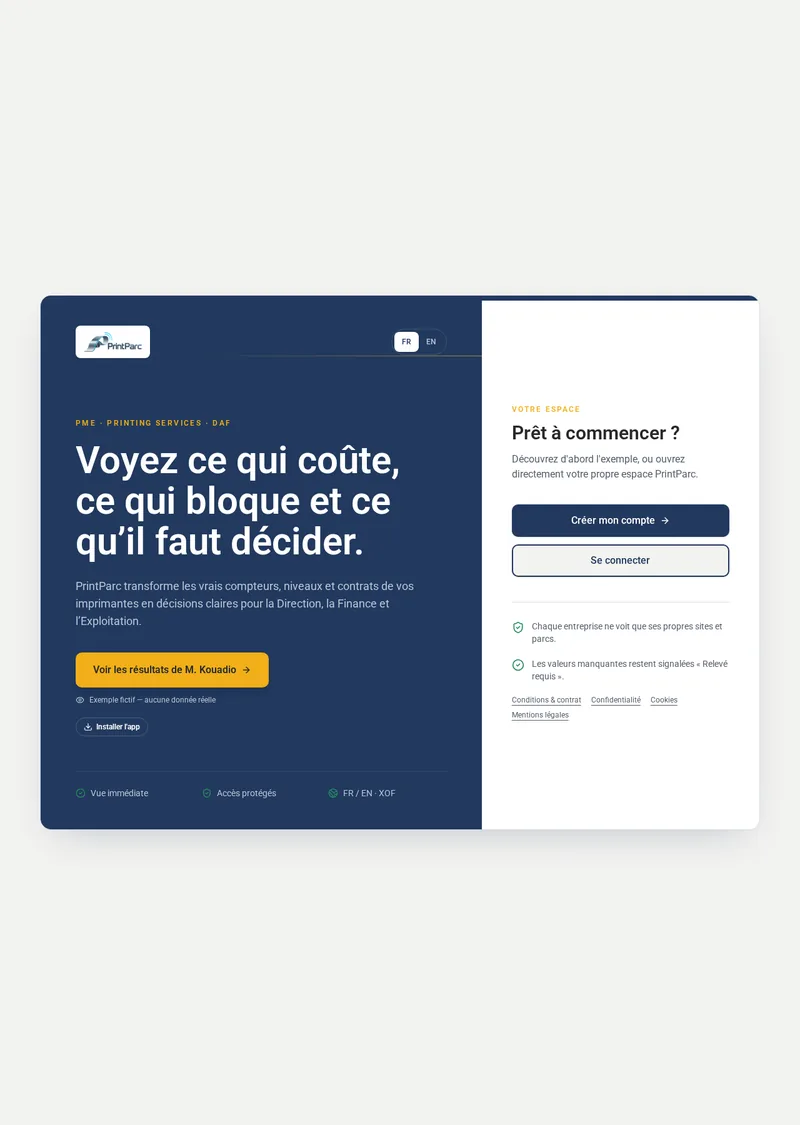
Create your account or sign in at printparc.org. Your session stays open until you sign out.
1On PC, Mac, Android or iOS, select “Install app”.
2On iPhone/iPad: Safari › Share › Add to Home Screen.
3Mr Kouadio's demo is fictional and remains isolated from your account.
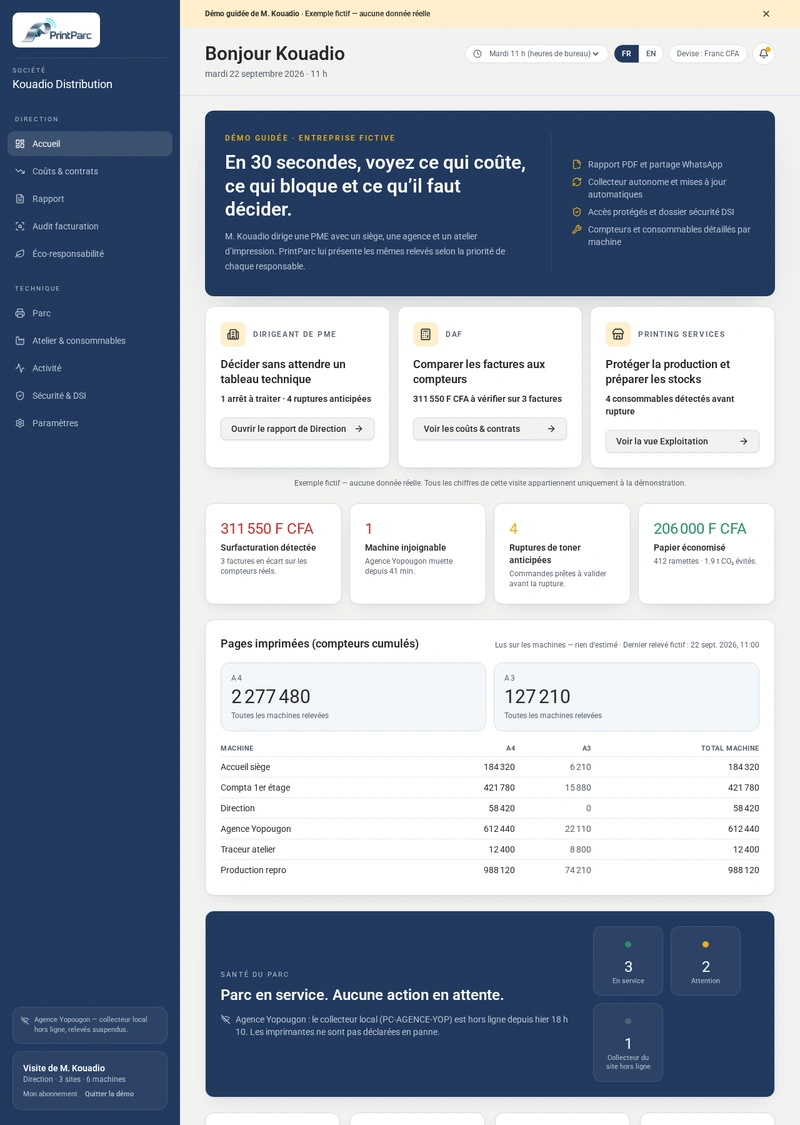
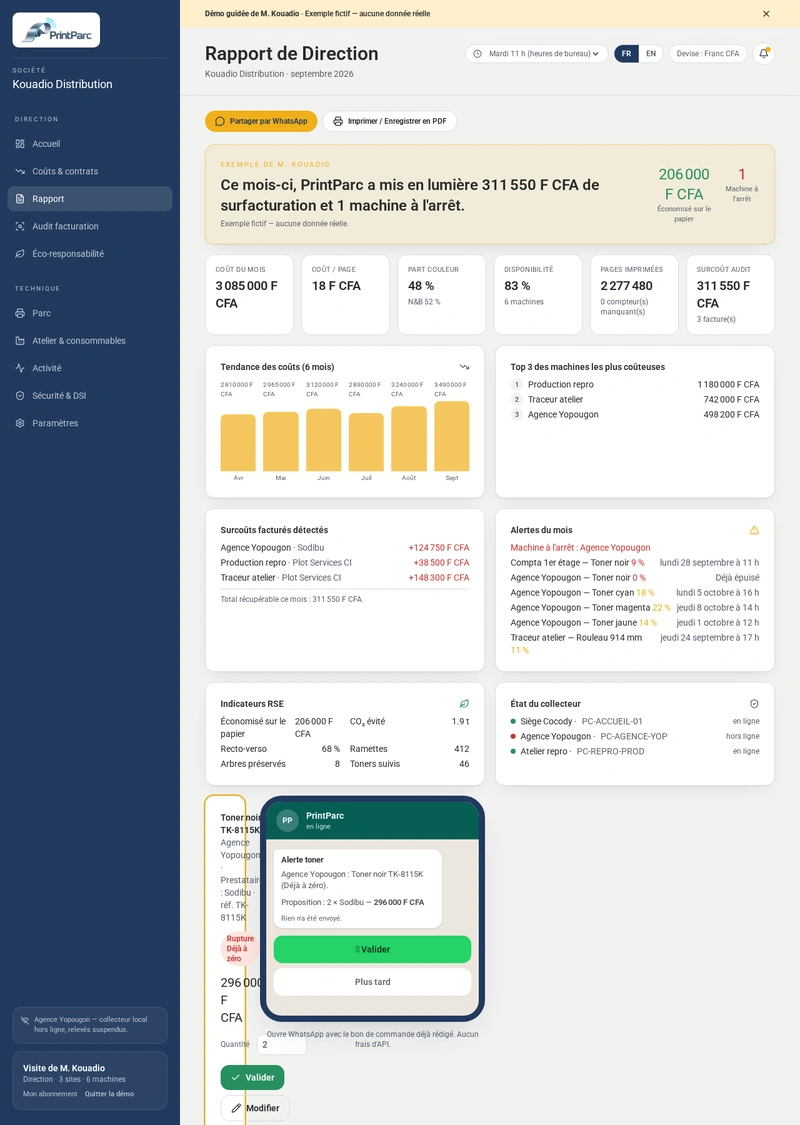
Demo screenshot — fictional example, no real data.
3. Company, site and relay
The top selector limits printers and their costs to the selected scope.
1If you belong to several companies, select one at the top of the menu. Your choice is remembered; switching company resets site and relay to All. No view combines two companies.
2Choose a site, then All relays or one relay: its name and subnet remain visible on mobile. Activity without an identified relay is labelled Company-wide data.
3Stock is tracked by site: choosing a relay shows its site's stock. The report heading and print version show Company · Site · Relay.
4In Settings, the owner limits each member to authorised sites.
These views turn counters and contracts into verifiable decisions.
1In Costs & contracts, enter each printer’s 4 contract rates (A4 B&W, A4 colour, A3 B&W, A3 colour) and monthly rent. Fields may be left blank: a blank rate is not used and blank rent counts as 0. Monthly pages are the differences between two readings from that month. Cost adds the entered rates multiplied by available pages and the rent. If at least one category with an entered rate has page data, missing categories count as 0; the screen says “not found, counted as 0”. Entered rent is always counted, even when no rated category has pages this month; missing categories count as 0. With neither rent nor rate entered, no cost is computed. Previous A4/A3 rates remain in use until replaced; they are not converted automatically. A computed cost of 0 shows “0 F”; “—” is reserved for a cost that is not computed. A blank rate shows “not provided” and is not used.
2Daily rental: enter the daily rate, the start date and, if needed, the end date. PrintParc counts the calendar days rented in the month, up to today, and adds them to the rent and pages × rate (“Rental: N days × T F”). Without a start date, the daily rate is not counted and the screen shows “Rental start to enter”.
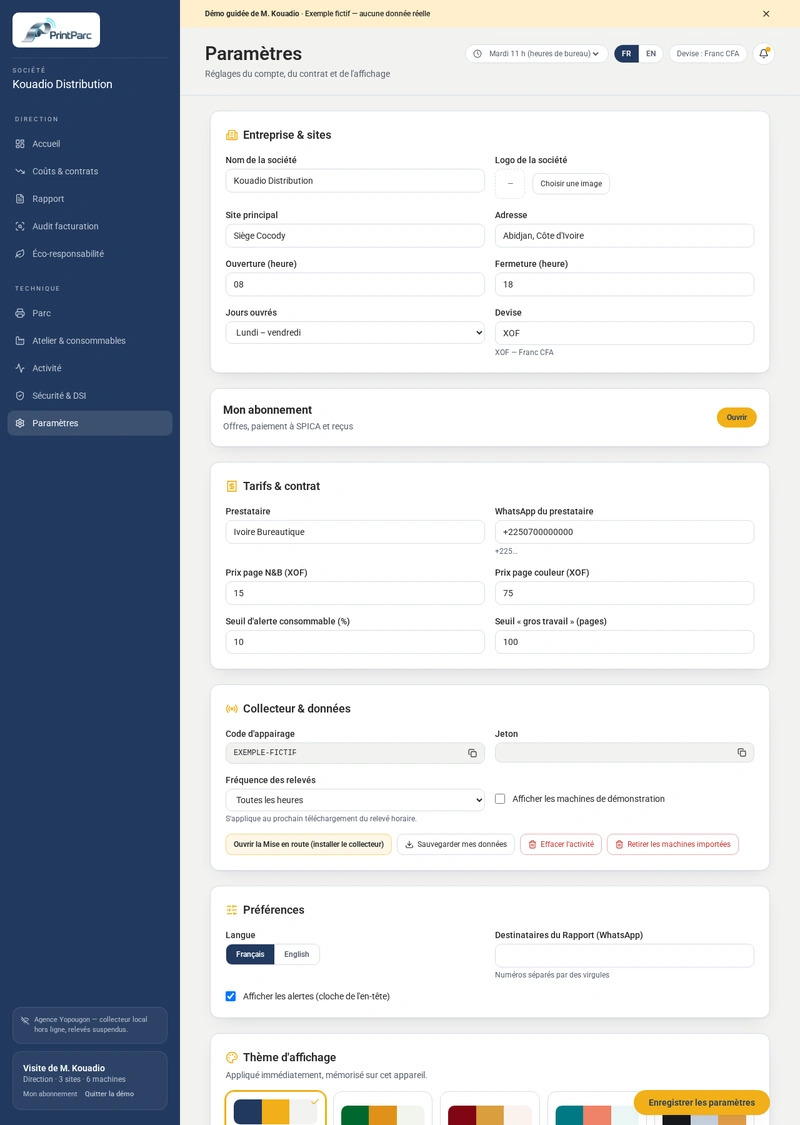
3Provider, lessor and rates are optional. PrintParc invites you to enter your costs to track your spending, never forcing you: “Later” hides the invitation for 30 days on this device. Company rates (Settings › Contract & supplier) are applied to a device only after clicking “Apply company rates”.
4Audit compares provider invoices with readings.
5Report can be shared by WhatsApp or saved as PDF.
6Sustainability only shows metrics that can be calculated.
Download the installer from your PrintParc account, under Sites & printer networks.
Run it on a Windows PC that is switched on and connected to the same network as the printers.
Leave the window open until the “Installation complete” message appears.
“Windows protected your PC” (SmartScreen)
Click “More info”, then “Run anyway”. If your antivirus blocks the file, allow this file or contact us. Never disable your entire antivirus.
Network requirements
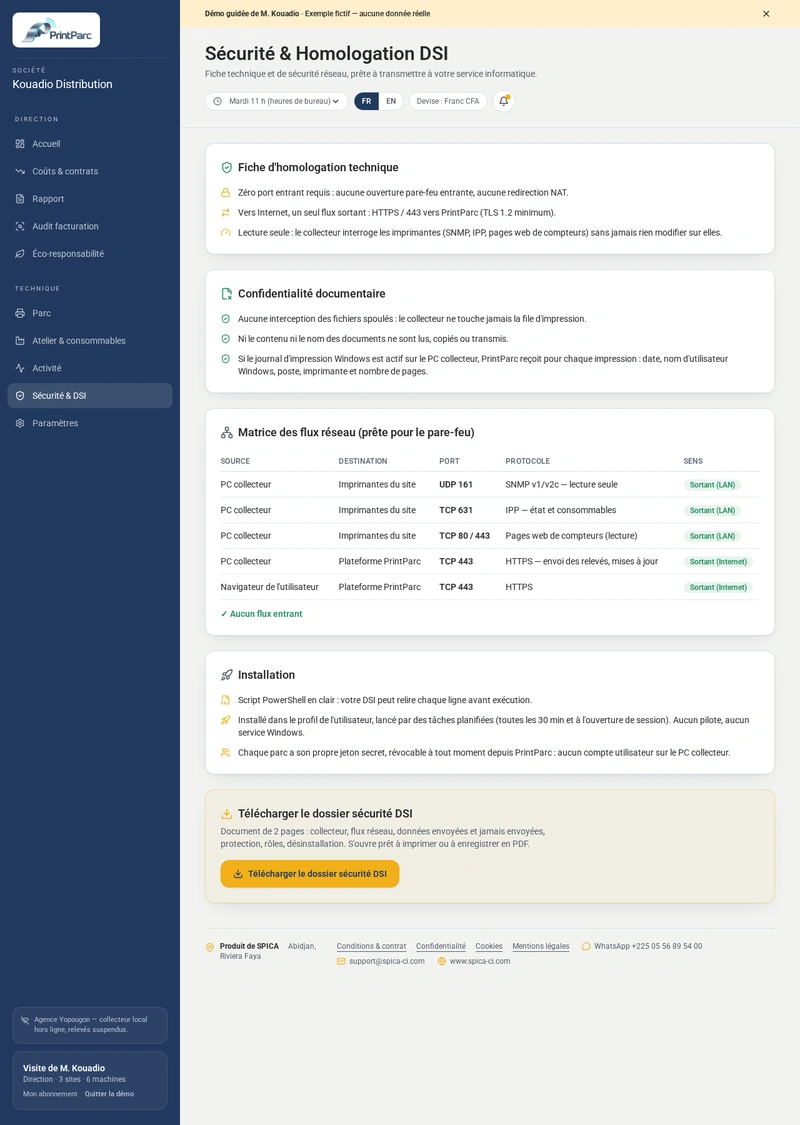
The PC must be able to reach the printers: SNMP UDP 161; TCP 9100, 631, 515, 80, 443. It must also have Internet access over HTTPS (port 443) to printparc.org. The PC must remain switched on with the Windows session open for automatic readings.
Desinstaller-PrintParc.bat removes the PrintParc relay from a Windows PC, for the current user. It downloads nothing, contains no activation code and needs no administrator rights. It first shows the list below, asks for a single confirmation (O for yes), then gives a summary: deleted, absent or failed.
the scheduled tasks PrintParc-Collecteur, PrintParc-Collecteur-Demarrage, PrintParc-Demande, PrintParc-Relance, PrintParc-Releve and any other task whose name starts with PrintParc;
the %LOCALAPPDATA%\PrintParc folder and everything in it;
on the Desktop: the “PrintParc - Suivi du collecteur” and “PrintParc - pilotage du parc d’imprimantes” shortcuts, the PrintParc-Historique folder, and printparc-diagnostic-* and printparc-releve*.json files;
on the Desktop and in Downloads: Installer-PrintParc-*.bat, Tester-PrintParc-*.bat, PrintParc-Audit-*.bat, PrintParc-Diagnostic.bat and PrintParc-Releve-Horaire.bat (they contain the activation code); in Downloads, the old printparc-collector.ps1;
the uninstaller itself, at the end.
What it does not touch
Not the registry, drivers, printers or any other file.
Then, in your account
In Settings, printer network block: “Revoke activation code” so the old code is refused, then “Remove PrintParc relay” so the PC disappears from the list. Readings already received are kept.
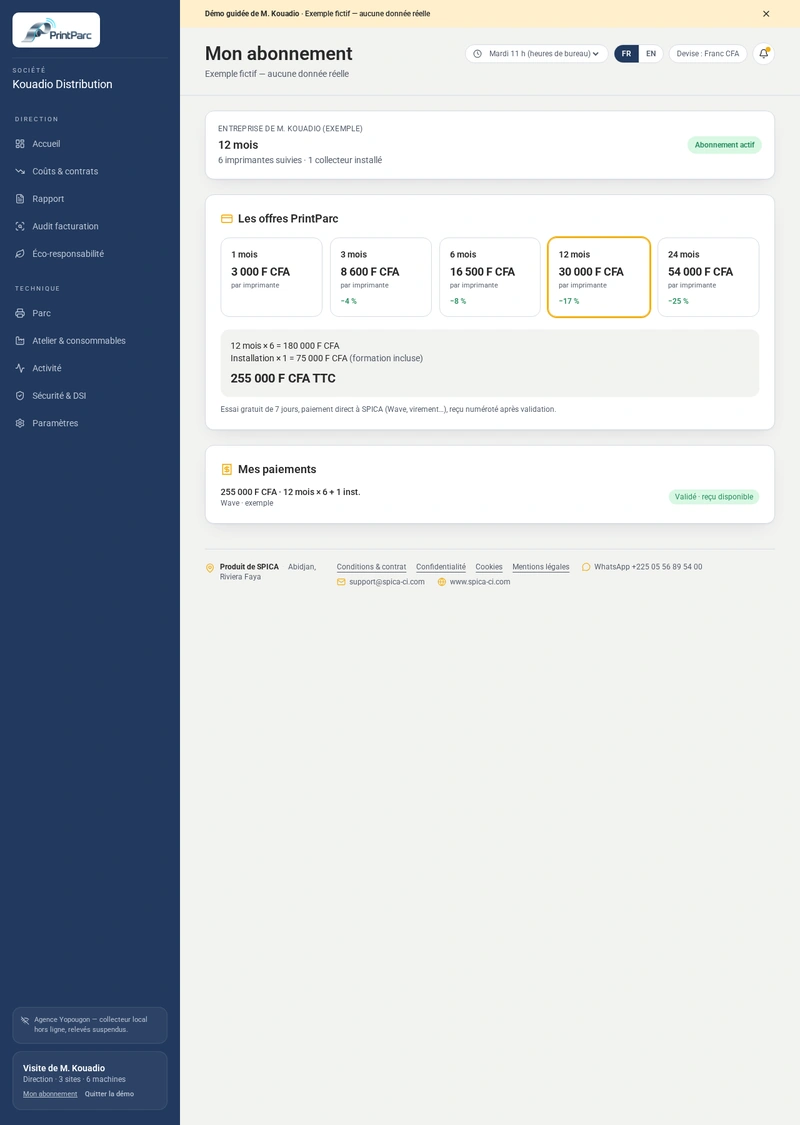
PrintParc pricing
7-day free trial, no commitment. Tax-inclusive prices, paid directly to SPICA.
You choose which printers to track: only the machines you keep are billed.
Free trial
7 days
no commitment
PrintParc relay installation
75 000 F CFA
per printer network, training included
1 month
3 000 F CFA
per printer
3 months
8 600 F CFA
per printer · −4%
6 months
16 500 F CFA
per printer · −8%
12 months
30 000 F CFA
per printer · −17%
24 months
54 000 F CFA
per printer · −25%
With the first subscription, 75 000 F covers the installation of one relay, then 75 000 F per additional relay. You can install it yourself with our guide. In Abidjan, you can also ask for a SPICA specialist to install it on site at no extra cost. Outside Abidjan, travel costs, and sometimes mission costs for more distant locations, are payable by you and quoted by SPICA. In every case, remote technical support by WhatsApp is included at no extra cost.
With the first subscription, every customer pays 75 000 F, which cover the installation of one PrintParc relay for one printer network (from 1 to 100 printers or more), including if you install it yourself or outside Côte d'Ivoire. Each additional relay, on another network, costs 75 000 F. Renewals do not include these 75 000 F. You freely choose your plan and the number of tracked printers.
The 7-day trial is free. The 75 000 F CFA installation fee is paid only when you subscribe.
You stay in control: add or remove a printer at any time in Settings › Sites & printer networks. Your subscription follows your real printer network — the amount adjusts on your next invoice.